The lead platform for custom home builders.
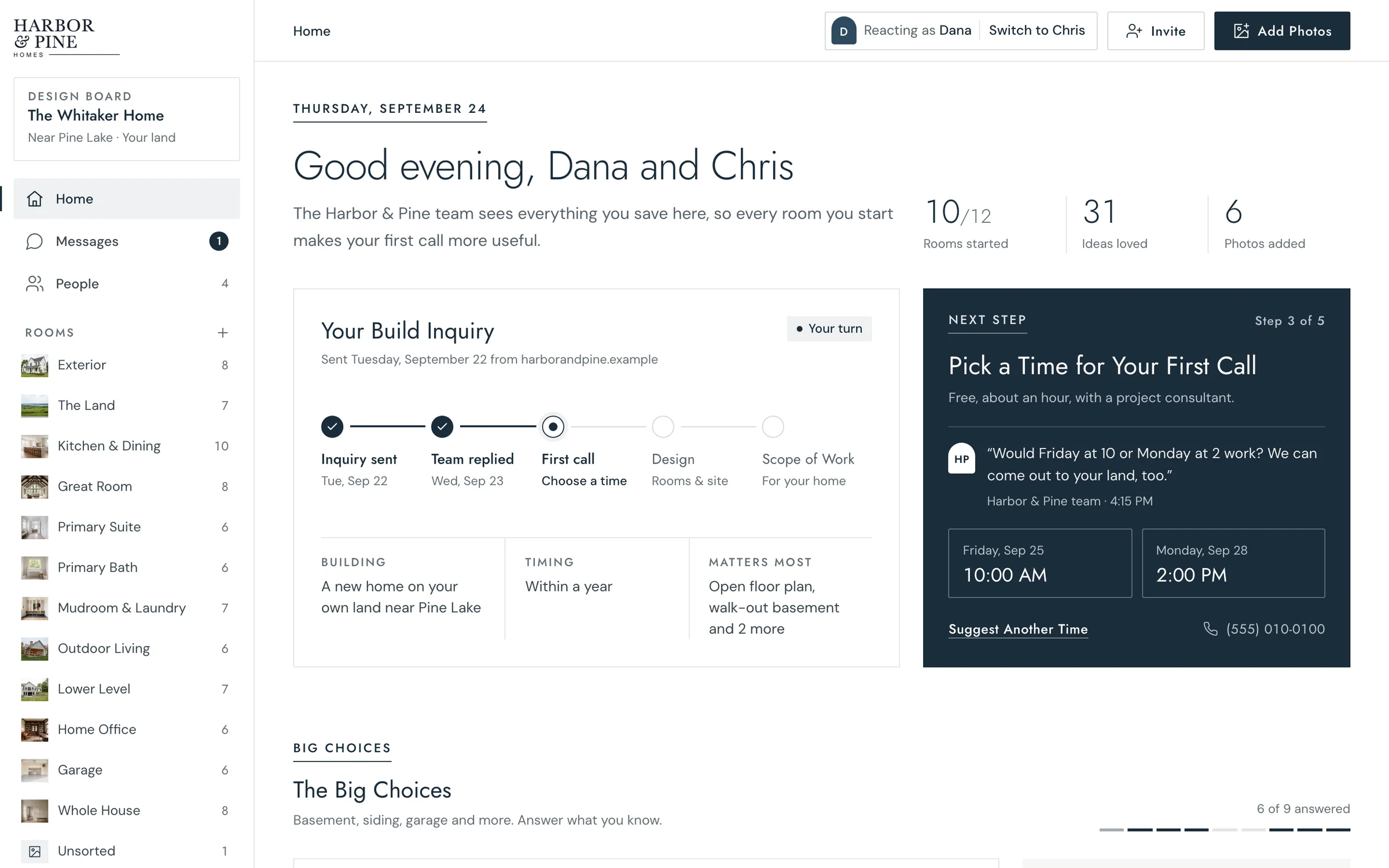
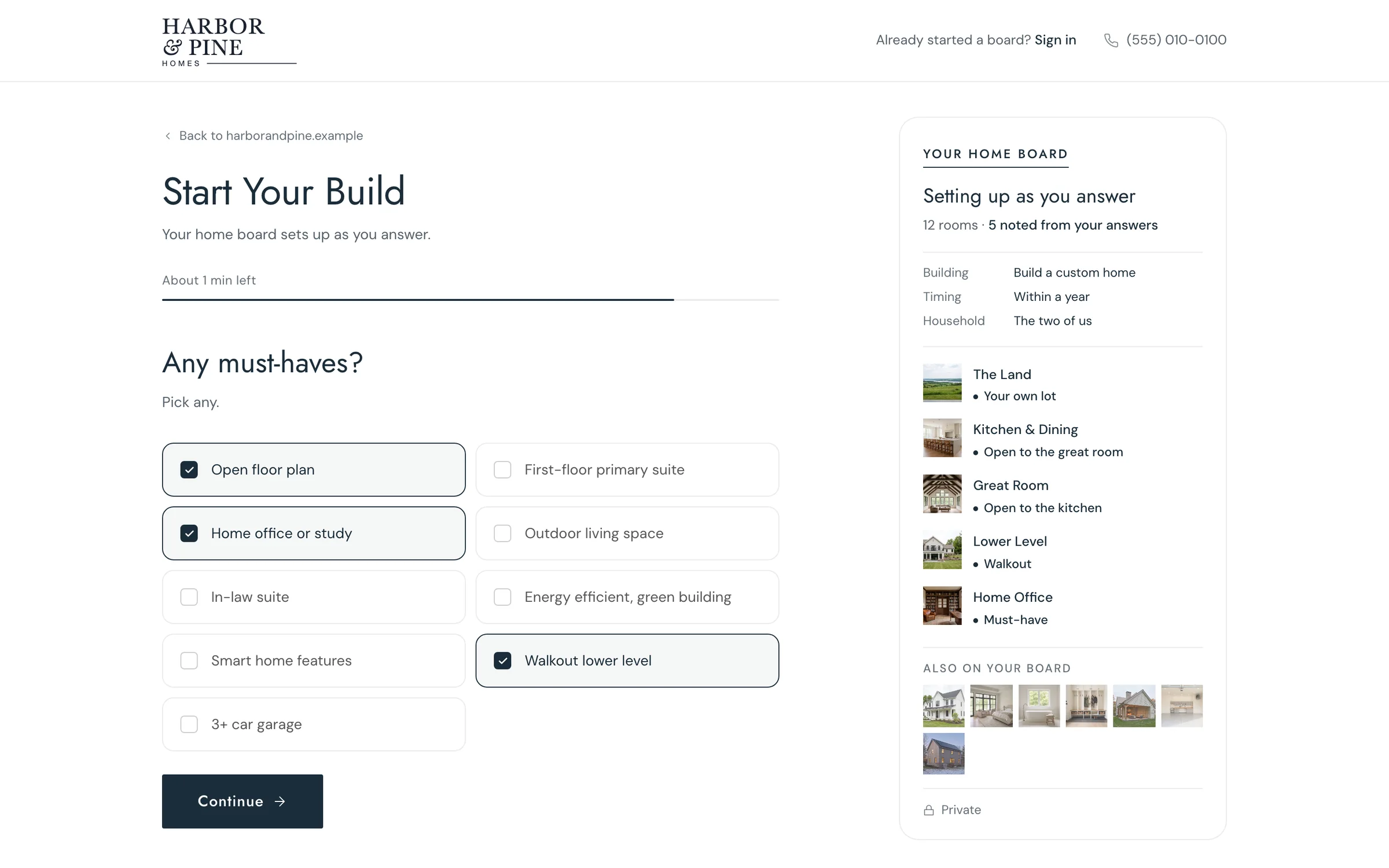
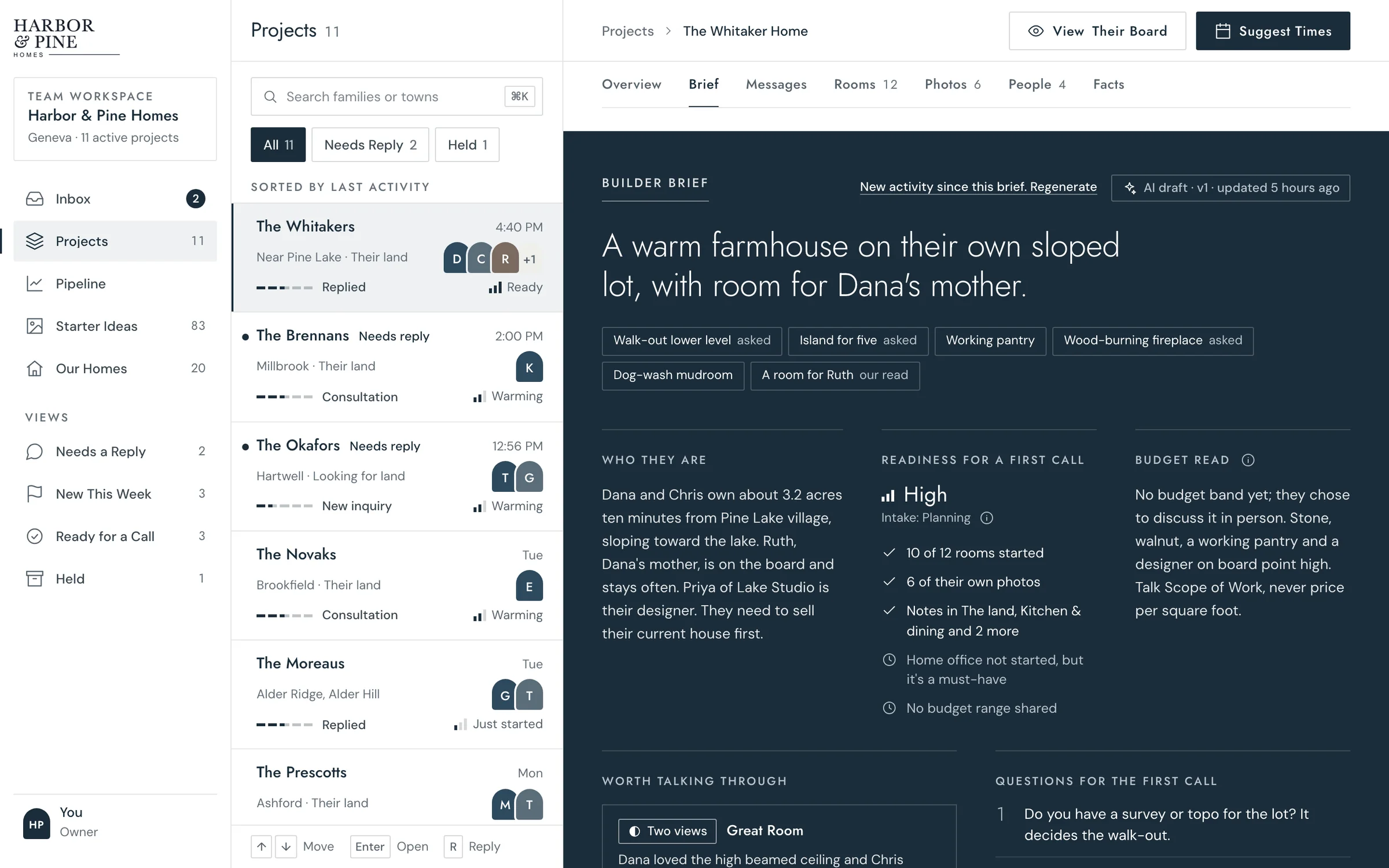
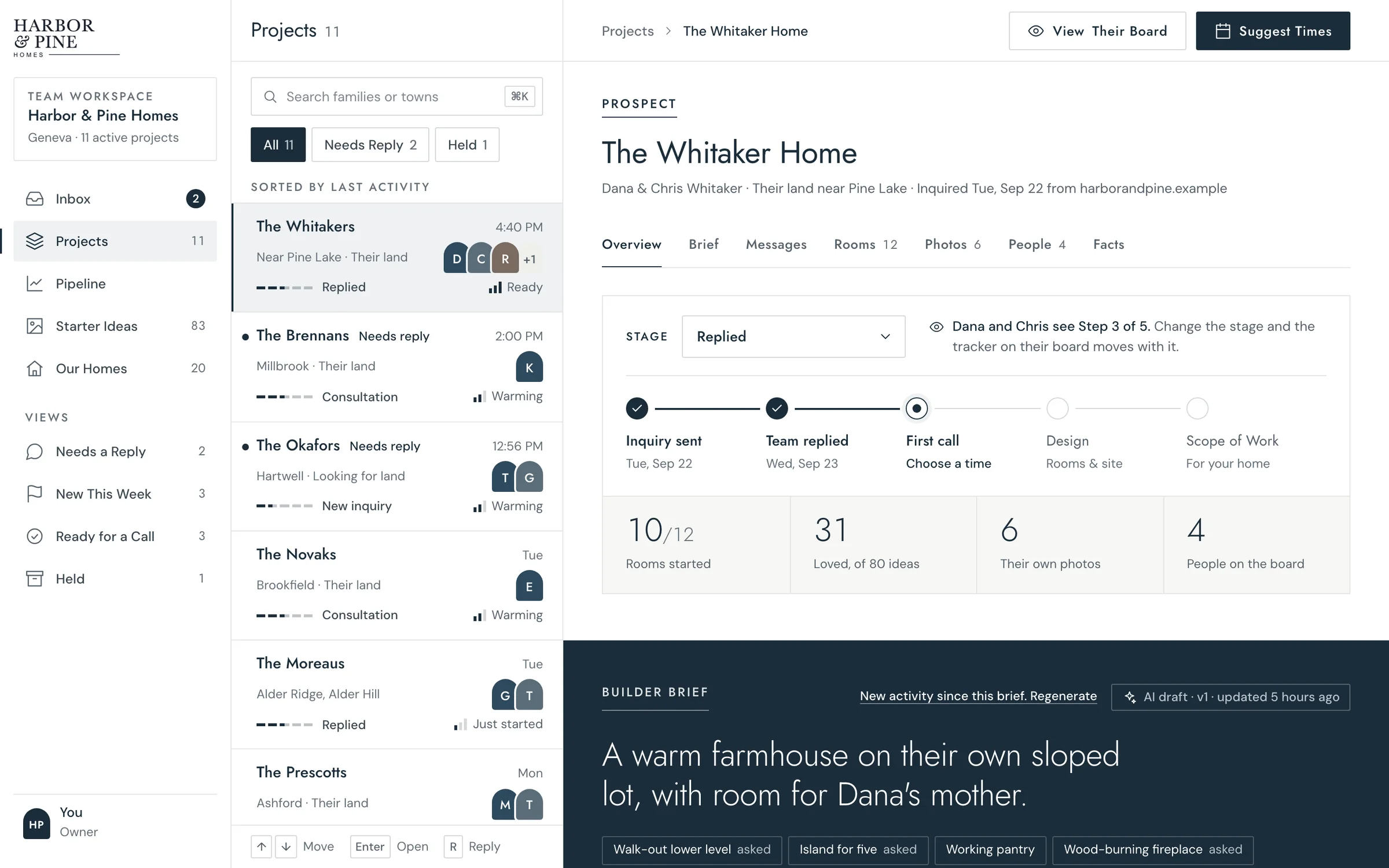
Every lead gets a private board to plan their home. Your team sees who’s serious and gets a brief before the first call.
The product, in order
From their first answer to your first call.
Four parts, in the order a family and your team meet them.
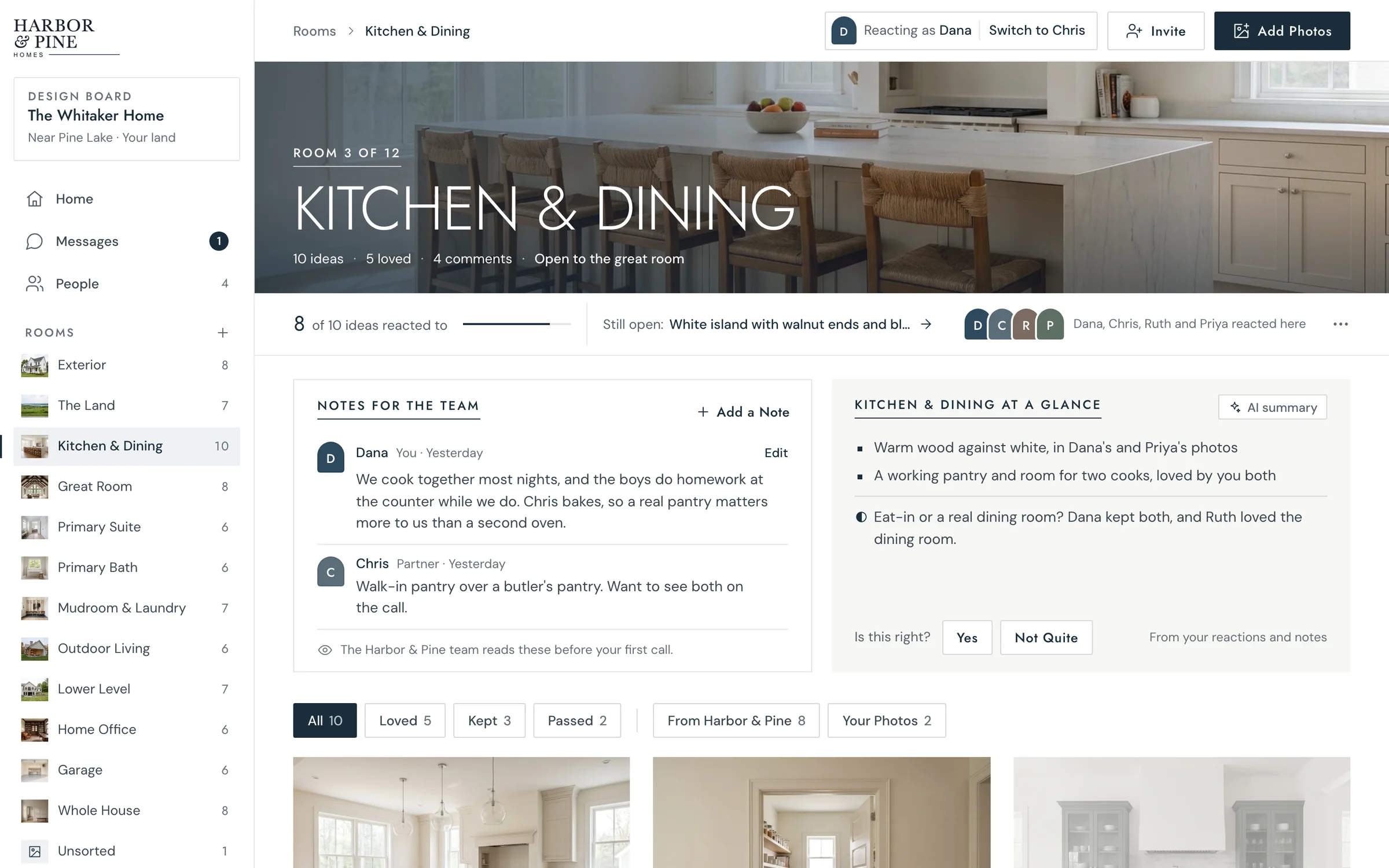
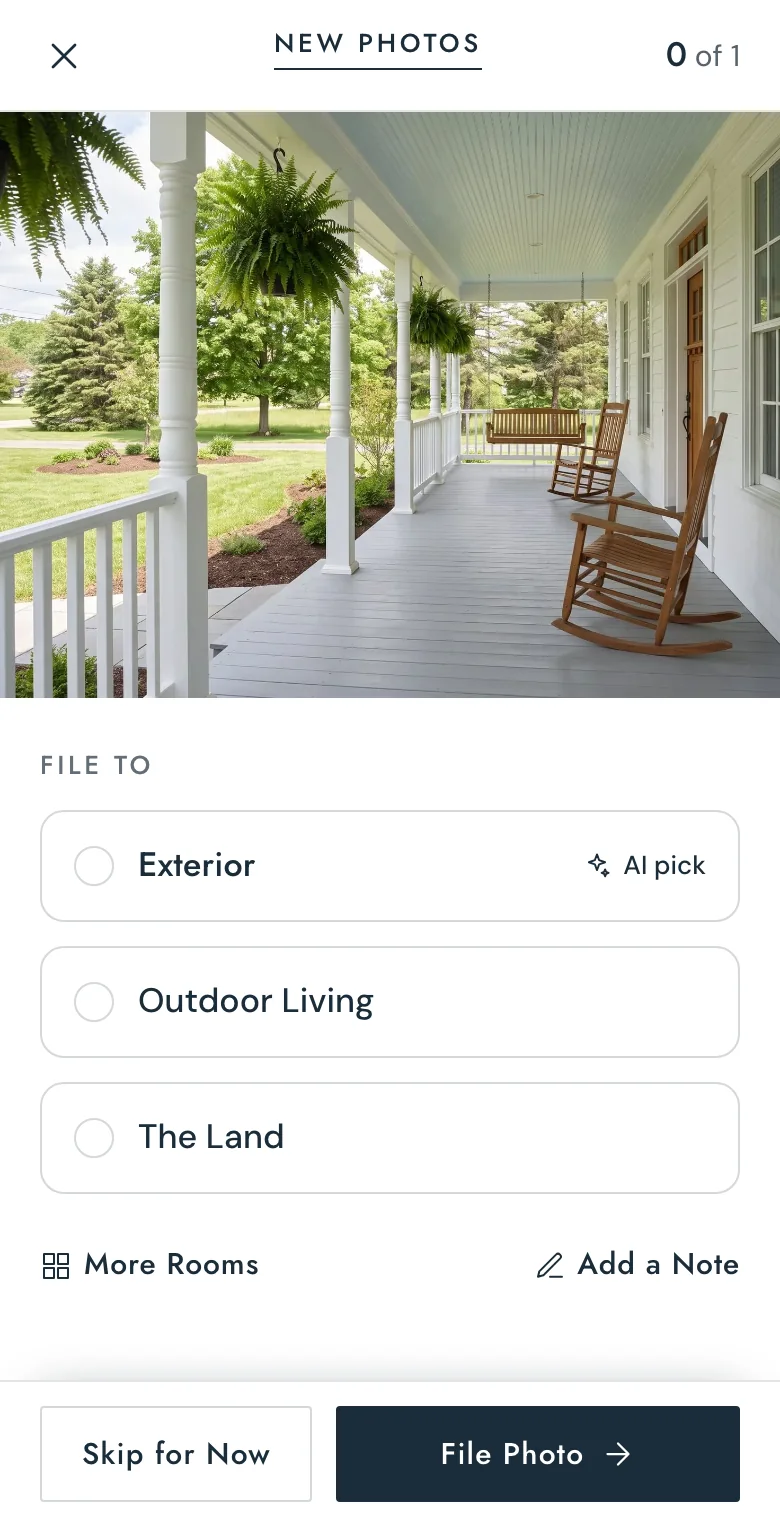
The family’s board
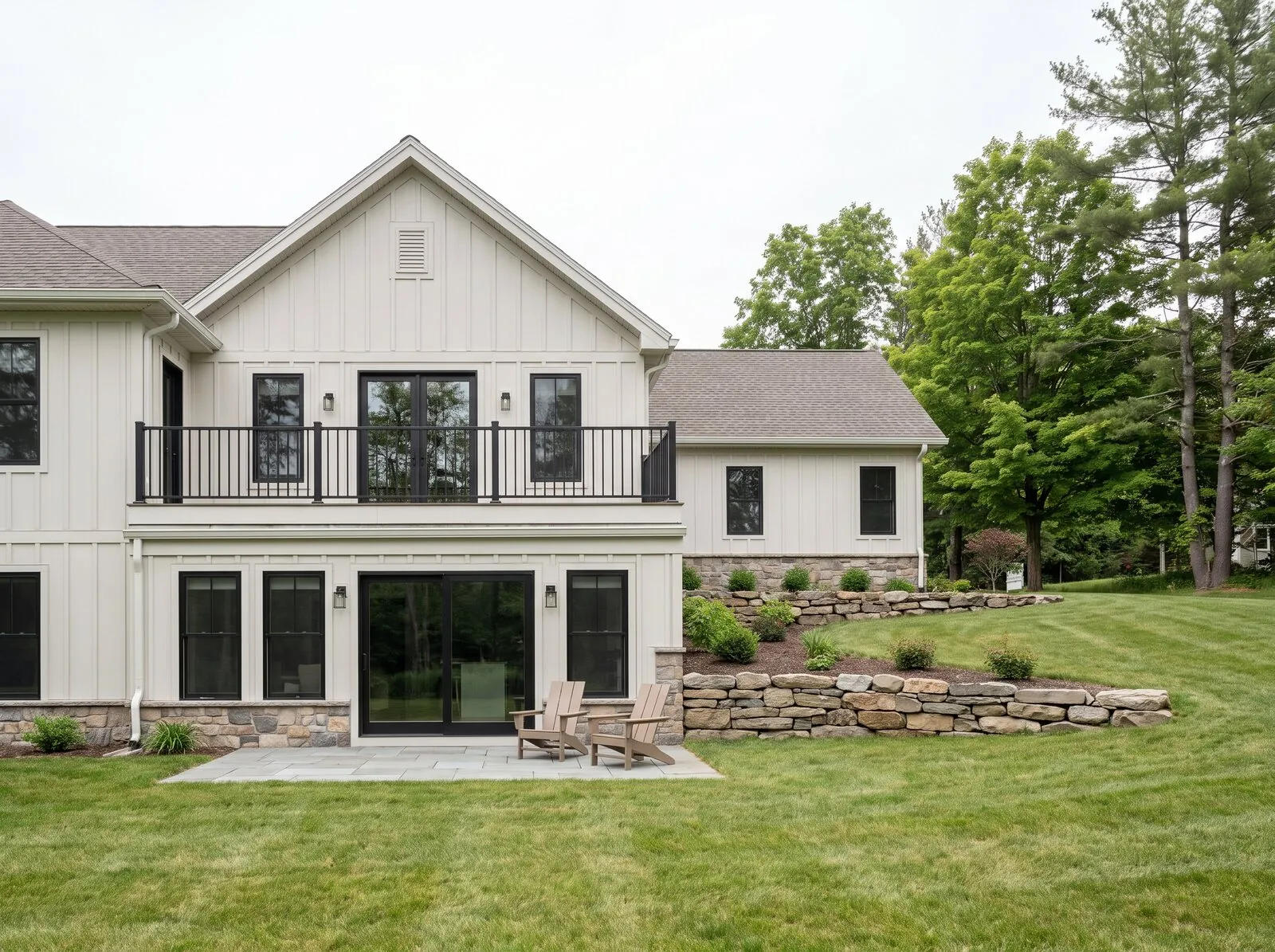
They plan it on their own time.
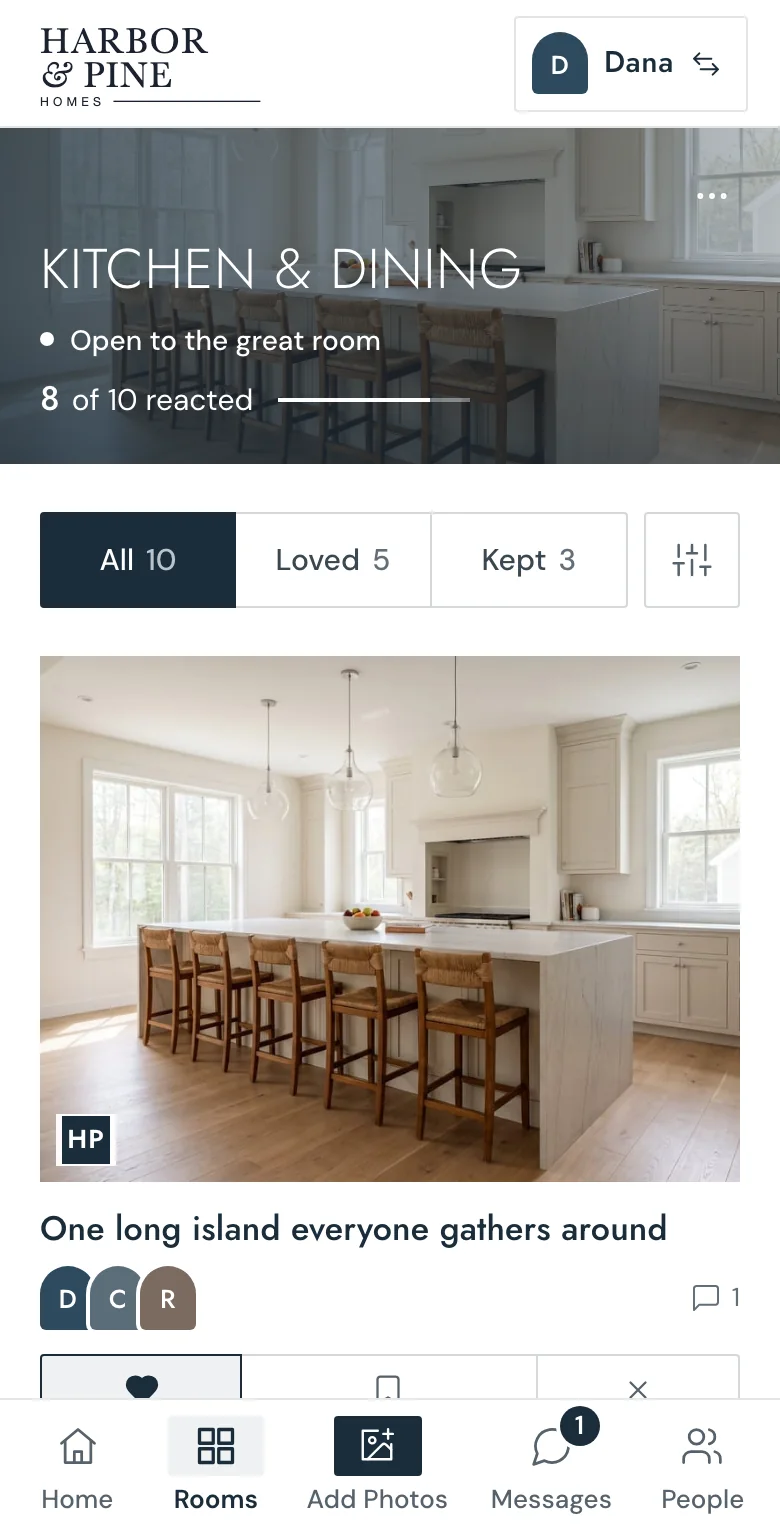
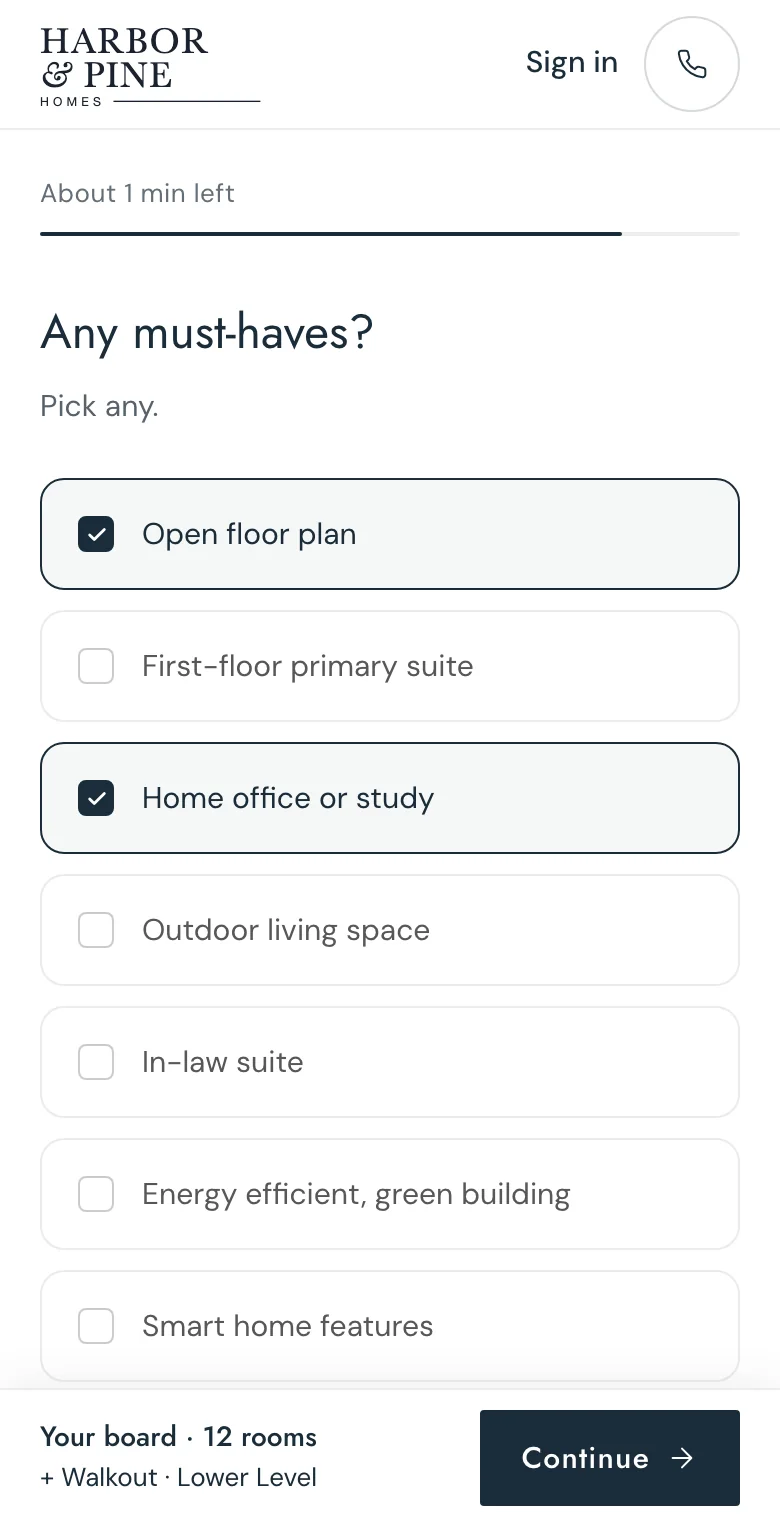
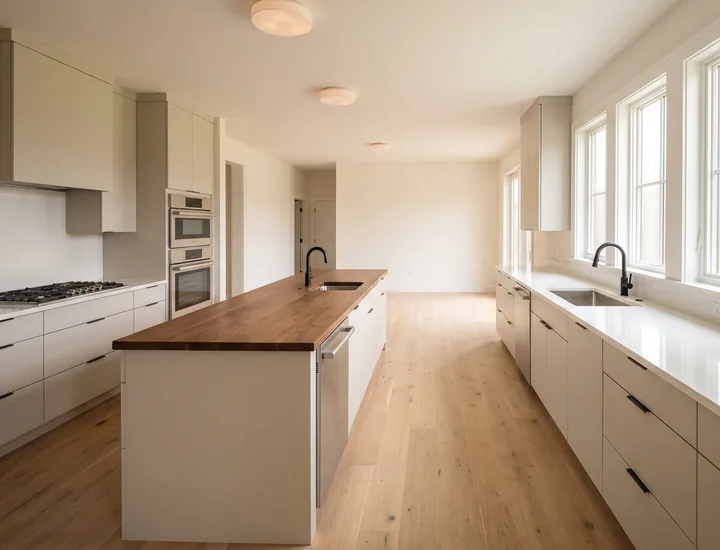
Their photos sorted into rooms, and the big choices answered, before your first call.
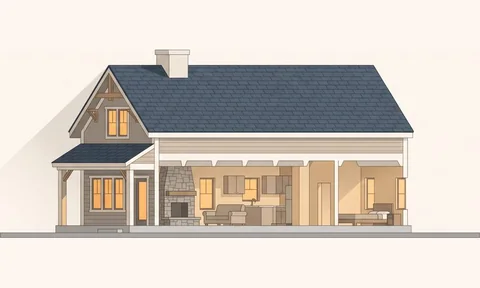
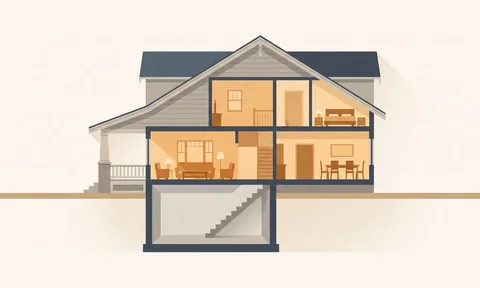
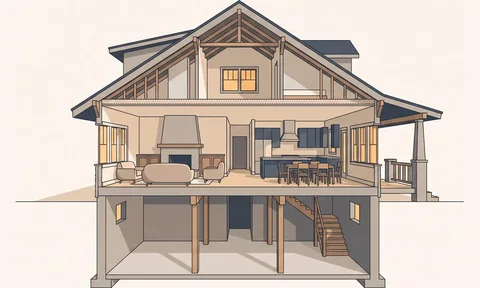
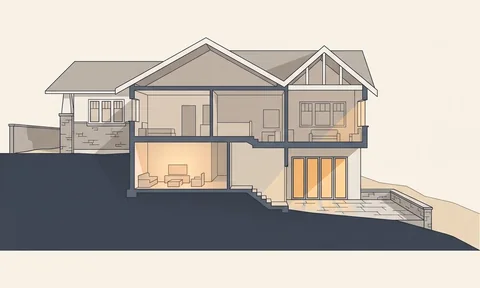
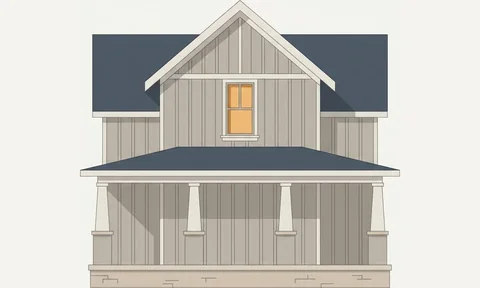
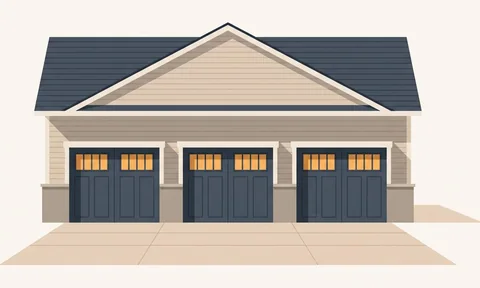
Setup
We set it up for you.
Your homes, your brand, your voice.
We build it, we load it, and we answer when something breaks. You’re not learning software.
How setup works →Harbor & Pine HomesReady
- Your logo, colors and fontsEvery screen
- Your homes, loaded20 homes
- Ideas from your homes, for every room83 ideas
- Your words on the form and the boardReviewed by you
- Your team, signed inUnlimited seats
Set up by homebuild.
Questions
Short answers.
- What does it cost?
- One monthly price, the same for every builder, with setup included. No per-lead fees, no per-seat fees, and renewal increases are capped. We’ll give you the number on a call.
- Do families download anything?
- No. Their board opens in the browser the moment they send your form. Coming back takes an emailed sign-in link, not a password.
- What does a family do on their board?
- They go room by room through ideas from your own homes and mark each one: love it, keep it as an option, or not for us. They add their own photos, bring in a partner, a parent or their designer, and message your team directly.
- What does my team see?
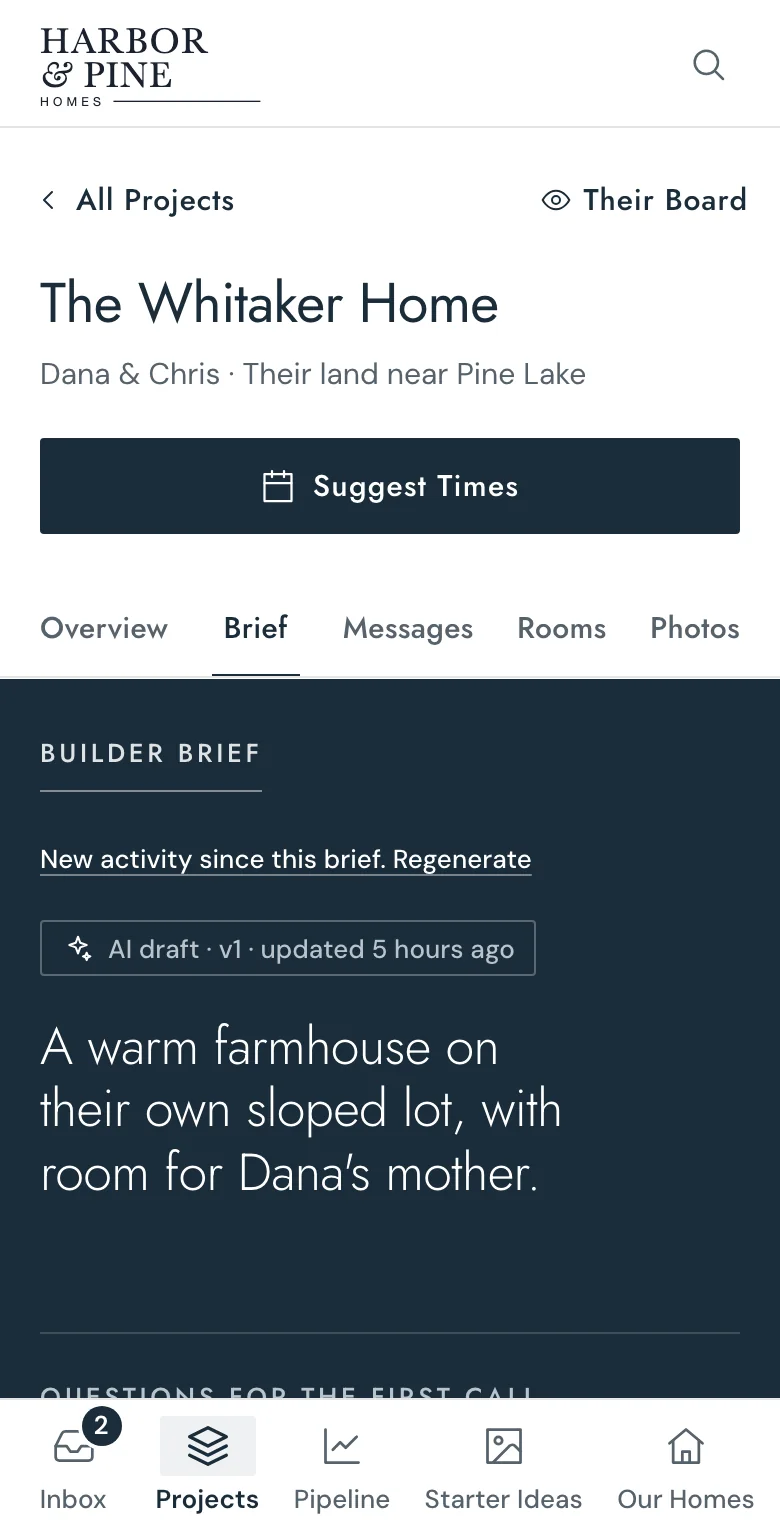
- Every family in one list, sorted by what they’re doing: ready, warming or just started. Each one comes with a brief written from their board: who they are, what they care about, and what’s worth talking through on the first call. Only your team sees it.
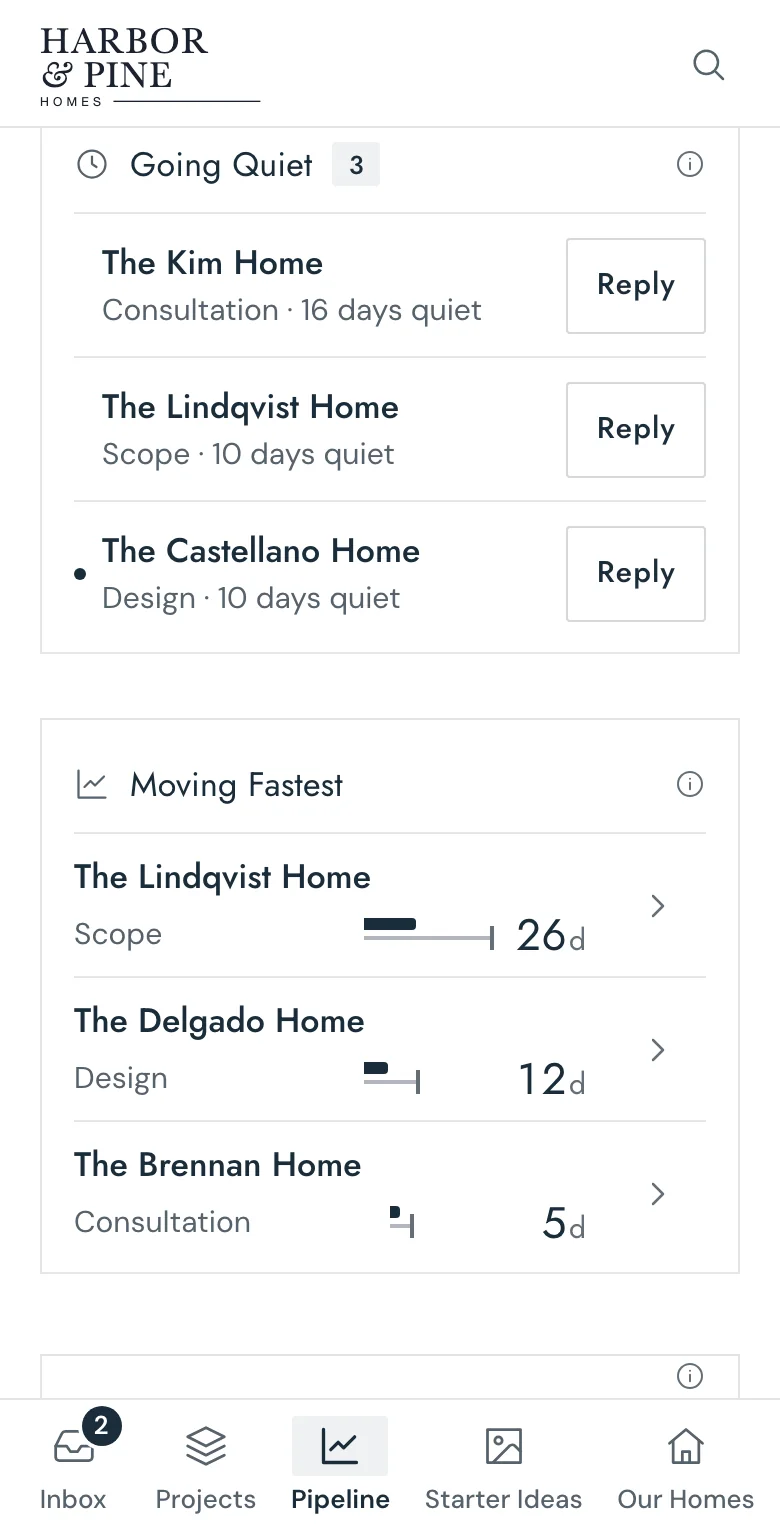
- What happens when a family goes quiet?
- They show up under Going Quiet with the number of days since they last did anything. Your team can reply right there, with the family’s board and brief one click away.
- Does AI talk to our families?
- Never. Every message a family gets comes from someone on your team. AI works in the background: it suggests which room a photo belongs in and drafts the brief. Both are labeled, and a person has the final say.
- We already use a CRM. Does this replace it?
- No. homebuild covers the months between a new lead and a signed contract. Want every lead in another system too? We send each one there as it comes in.
- What do we have to do to get started?
- One setup call about your homes, your brand and how your team handles a new lead today. We build the rest and draft the idea library from your own homes for you to review. Then your Start Your Build button points to your new form.
- How many people can use it?
- Your whole team, at no extra cost. Families can invite anyone they want to their board.
- Who owns our data?
- You do. Each board is private to the family, the people they invite and your team. Your boards, messages and pipeline stay yours, and we never sell them.